

EMS SQL Manager — a SQL Server GUI Tool for fast database design, queries, and data management!
Design, explore and maintain databases, build compound SQL query statements, manage database user rights, and manipulate data fast and conveniently with our professional SQL Server GUI tool.
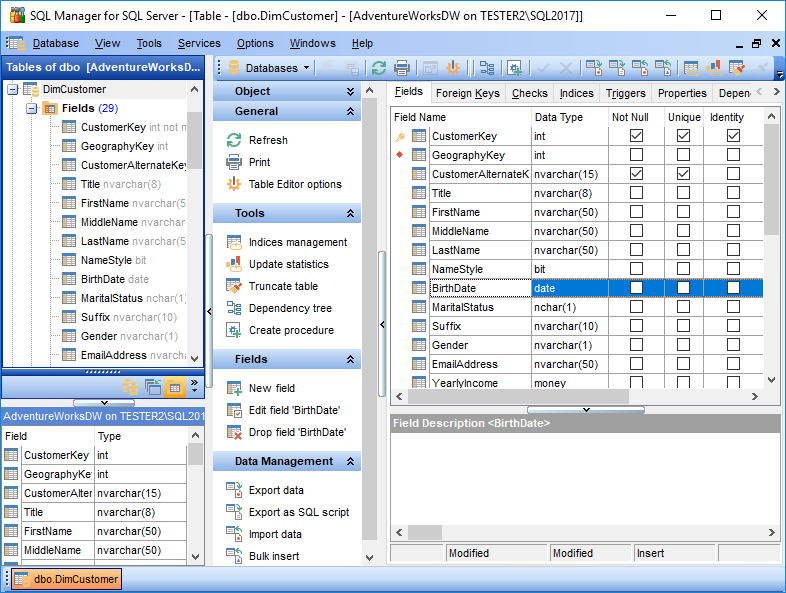
Easy managing of database and server objects
Create new database objects with advanced options just in a few clicks. Open or edit any object directly from the database explorer, create favorites groups, search for object names and customize DB tree look for easier administrating.
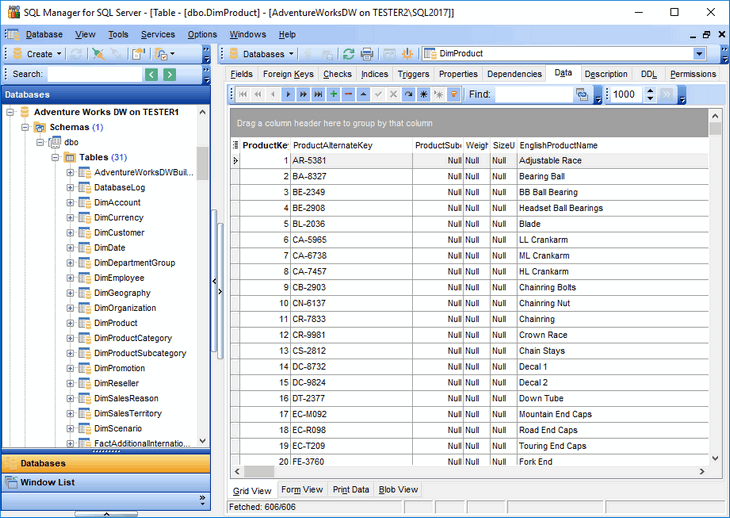
Code completion and formatting in SQL editor
Speed up query writing with code completion and information hints for procedure parameters available in SQL editor. Formatting capabilities and code folding make code navigation easier and more convenient. Interface and code settings can be adjusted to your needs.
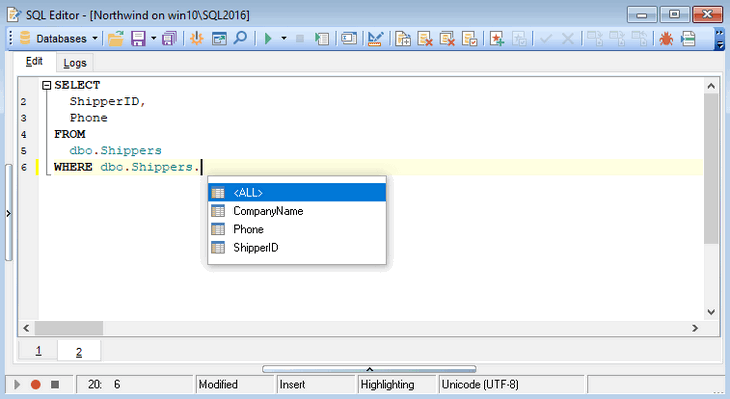
Visual building of complex queries
Build complex queries with joins, conditions, and sub-queries in a visual mode without extended knowledge of SQL. Use effortless grouping, filtering, and sorting in the grid without the need to type field and function names.
Data export to popular formats
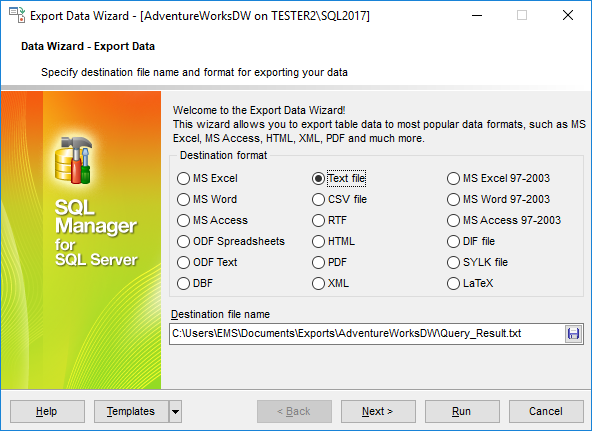
Export table, view, or query data to any of 20 popular formats: MS Excel, MS Word, MS Access, HTML, PDF, TXT, CSV, DBF, XML, ODF, and more. The easy-to-use wizard helps to set advanced options for output file format and layout.
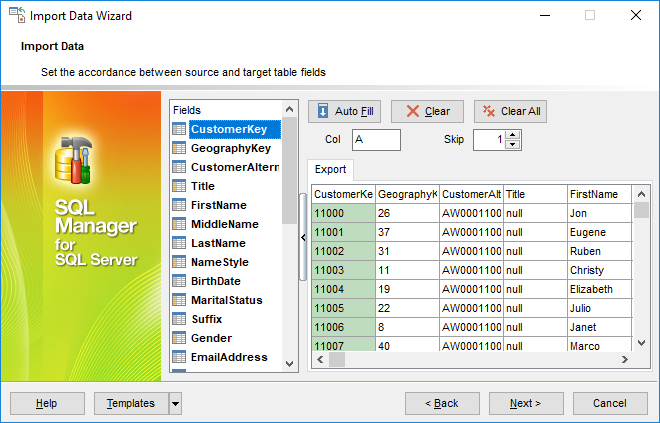
Data import data in insert, update, or delete mode
Populate tables with data from external files of 10 most popular formats: MS Excel, MS Word, XML, MS Access, PDF, TXT, CSV, etc. Follow the steps of the friendly wizard to process required data, set column correspondence, select insert or update mode, and customize data format. Save time for routine operations with template use.
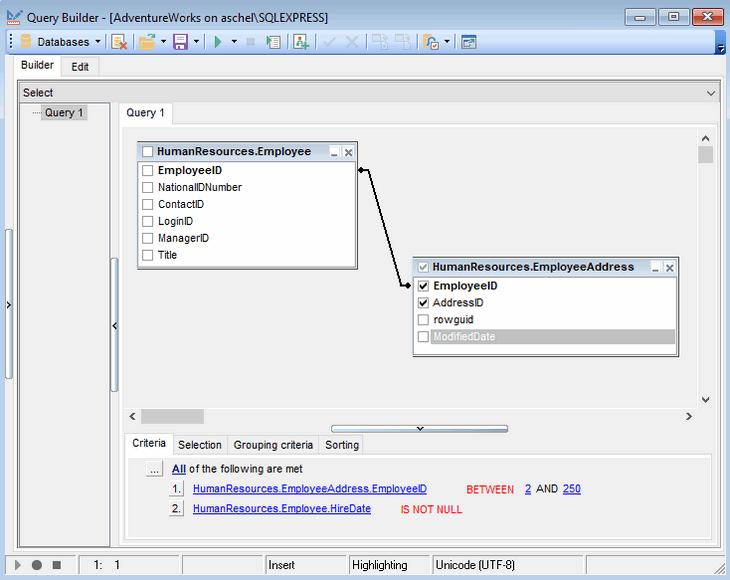
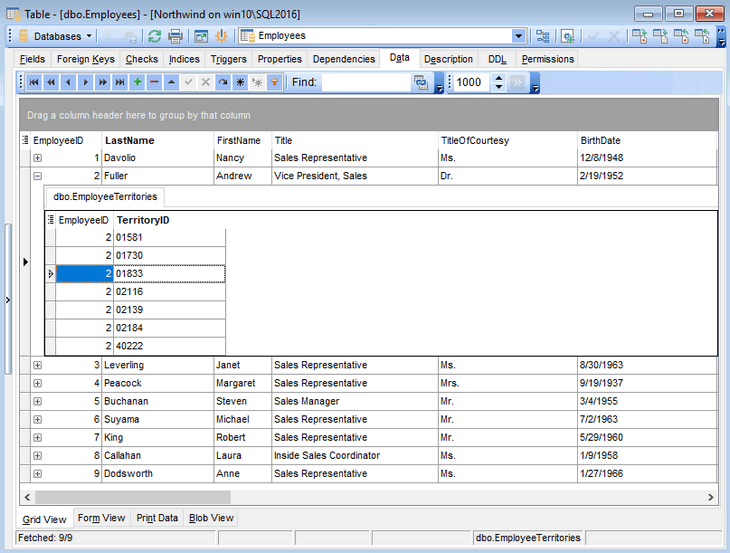
Advanced data view modes
View data from foreign tables in the same grid, use built-it BLOB editor to load and edit BLOB data, switch between cards, forms, grid view mode, and more. Sorting, filtering, and grouping are available with one click in the grid.
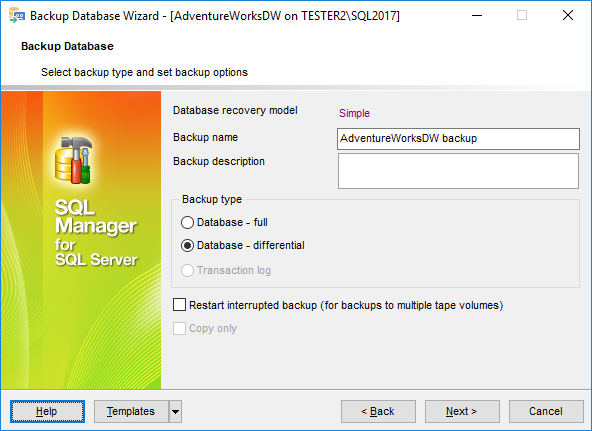
Easy executing of database maintenance tasks
Create backup files, restore databases, maintain indices structure with step-by-step wizards. Use built-in tools to monitor server processes, analyze and optimize databases.
Simple getting your database under source control
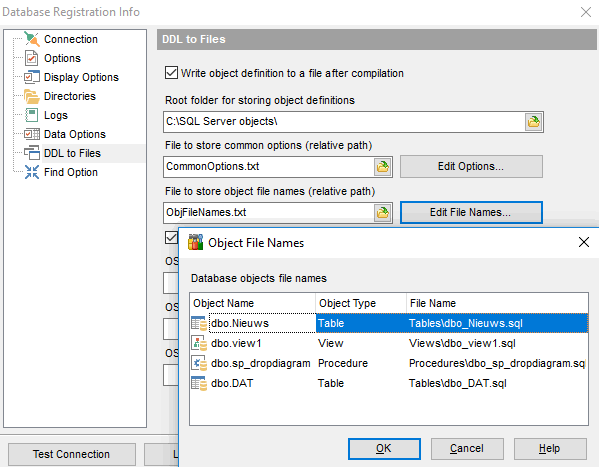
SQL Manager can automatically save database objects definitions to files for further use under the version control system of your choice. Customize DDL and command settings to adjust to your existing VS system.
Report tools and documenting databased
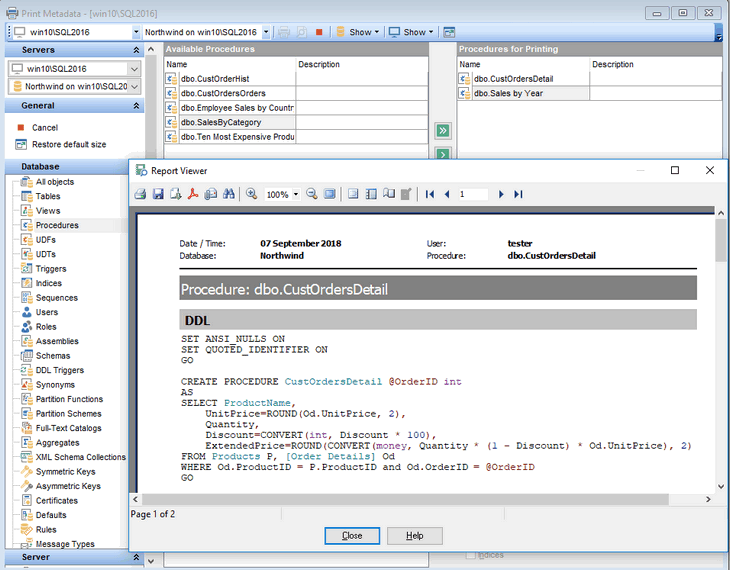
Build customized reports with an advanced tool for creating page designs ready for printing. Document all database objects with their properties just in a few clicks in HTML, PDF, TXT, CSV, Excel, and other formats.
Powerful debugger to trace procedures, functions, and SQL scripts
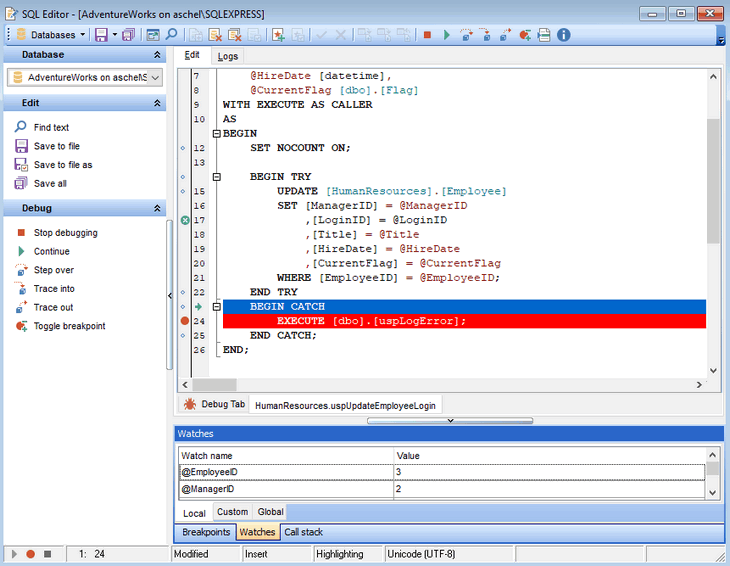
Improve code quality with build-in T-SQL debugger. Trace procedures, functions, and SQL script step-by-step in real-time. Use breakpoints, call stacks, and watches to minimize time on locating the errors.
Synchronizing changes between databases
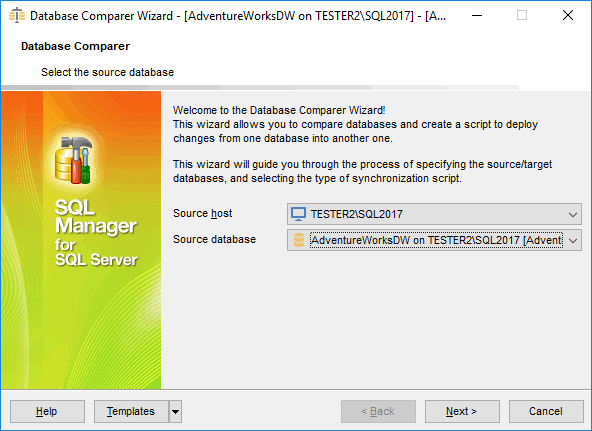
Simplify the process of synchronizing database structures. With Compare databases tool you can quickly compare database structures and apply changes in any direction.
In-purchase Benefits
- FREE One Year of Maintenance already included!
- FREE software updates and upgrades during Maintenance period!
- FREE and unlimited Technical Support during Maintenance period!
- Reasonable pricing for Maintenance renewal – from 35% per Year!
- Volume discounts when buying two or more copies of one product
- Cross-selling discounts on related products
- 30-day money-back guarantee
Pricing & Licenses
Subscription — recurring monthly or annual payments. Updates and technical support are included while your subscription is active.
Business Licenses
Individuals & Non-profits
Perpetual license — buy once and keep the software forever. Each option below includes 1–3 years of maintenance (updates + support). Pick the term that suits you and renew anytime.
Business Licenses
Individuals & Non-profits
SQL Manager for SQL server
Get started with SQL Manager for SQL server
Download a fully-functional 14-day free trial, and start saving time with your database management today.
Download free trialGot questions?
If you'd like any help, or have a question about our tools or purchasing options, just get in touch.
SQL Manager is part of the SQL Management Studio
Perform even more tasks on the development, administration, and maintenance of your database, saving up to 55%!
Learn more